Venn Diagram Maker for classroom assignments
Students can use the Venn Diagram Maker to compare characters, historical periods, science concepts, books, or vocabulary before writing an answer.
Free Venn Diagram Maker
Your Venn diagram is created locally in your browser. No online data lookup, product database, or AI fact checking is required. This Venn Diagram Maker combines 2 Circle Venn Diagram Maker, 3 Circle Venn Diagram Maker, Compare and Contrast Diagram Maker, Product Comparison Venn Diagram, and Concept Comparison Diagram intent in one focused page.
One Venn Diagram Maker for concept comparison, product comparison, classroom assignments, writing outlines, competitor analysis, character comparison, and pros and cons work.
Enter two or three topics, list each topic's differences, add shared points, choose a color style, and generate a Venn Diagram Maker canvas with topic labels, text lists, shared regions, difference regions, comparison summary, PNG export, SVG export, and a print-ready Venn diagram.
The Venn Diagram Maker keeps the core compare-and-contrast search intent on one page, with templates for two-topic and three-topic comparisons.
Use the Venn Diagram Maker as a 2 Circle Venn Diagram Maker or 3 Circle Venn Diagram Maker. Enter concept names, products, people, characters, writing topics, or lesson subjects, then add the points you already prepared.
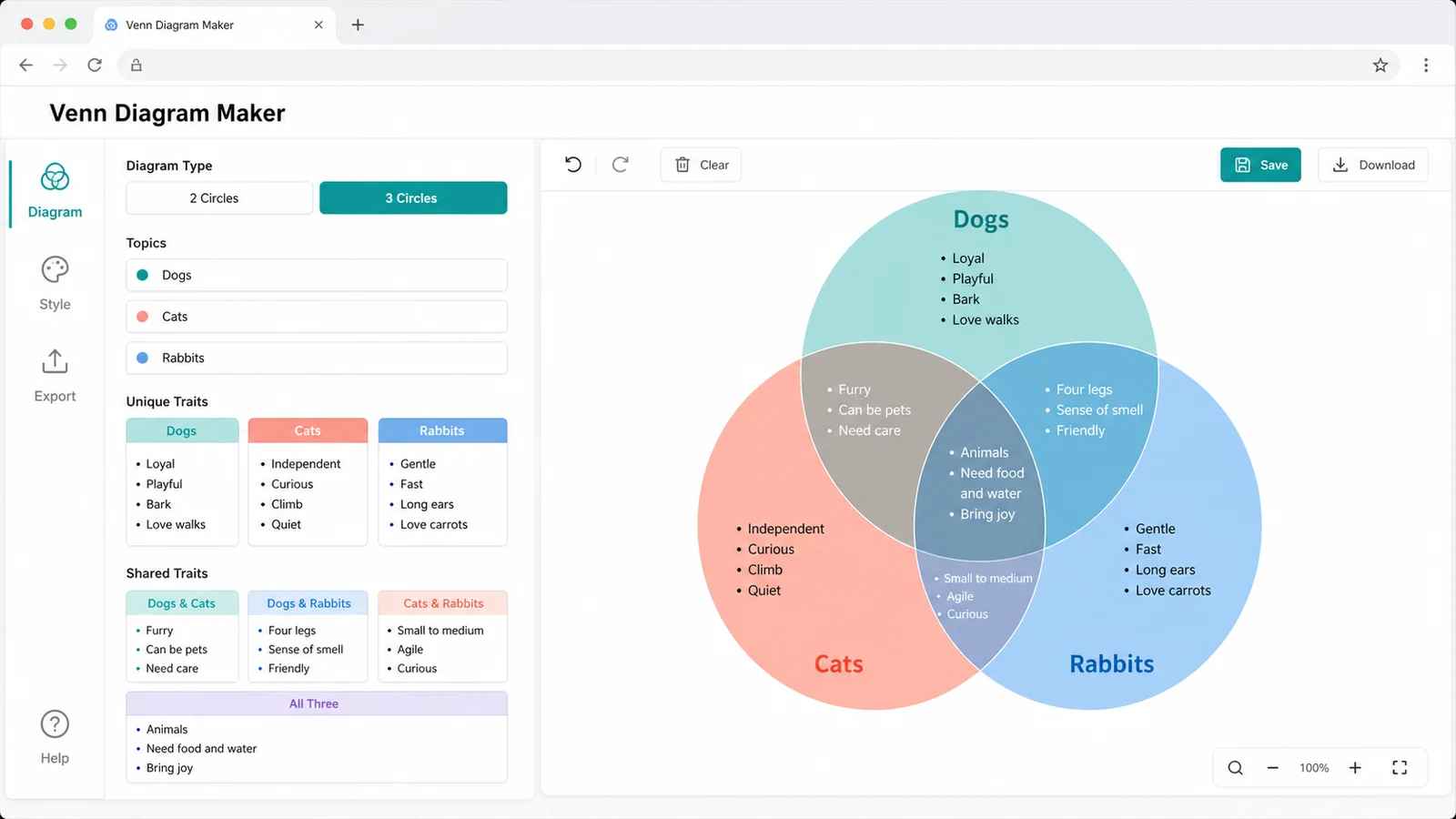
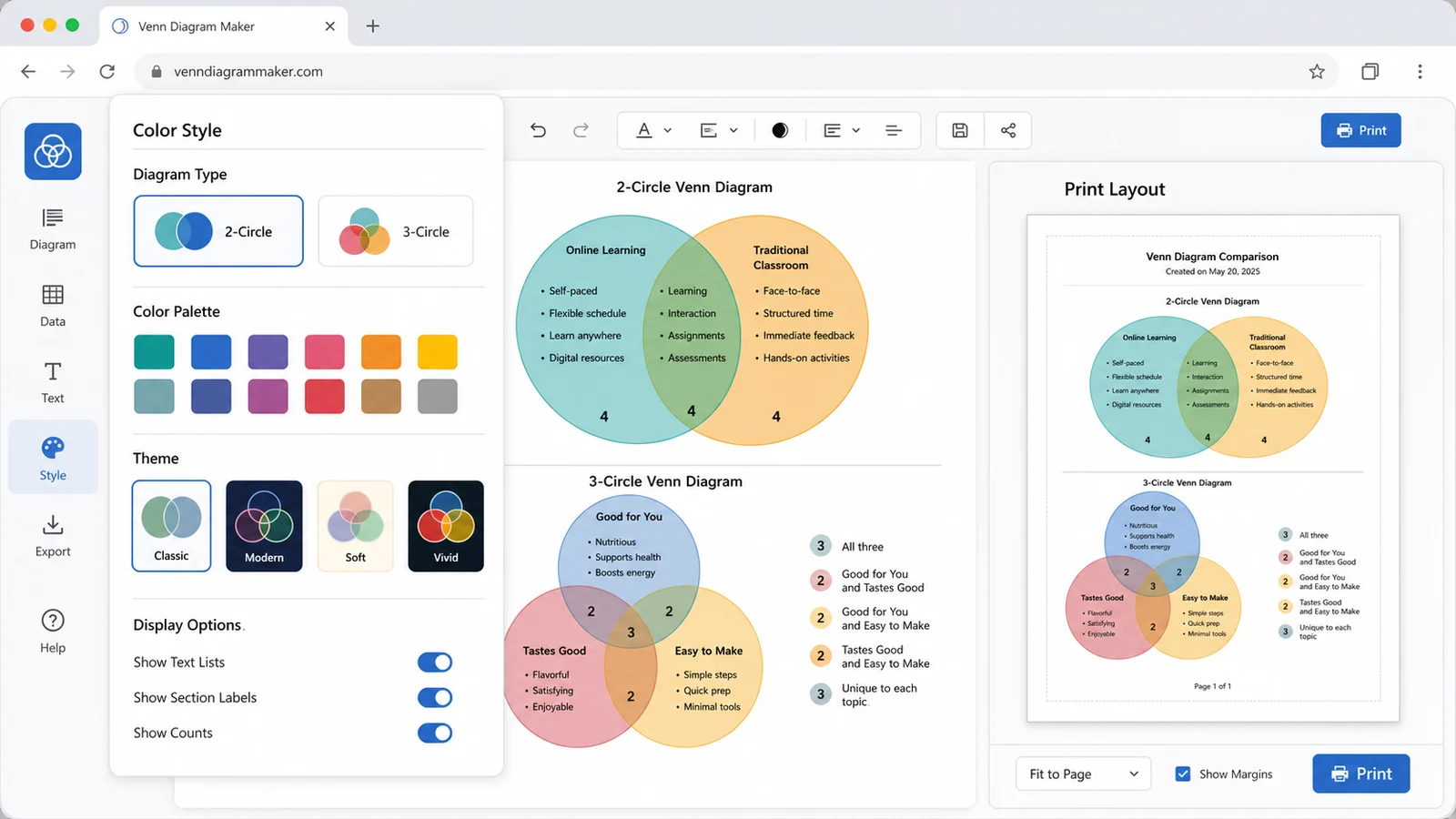
Switch between classroom, product, concept, and print-friendly styles. The Venn Diagram Maker can show text lists, topic labels, counts, shared regions, difference regions, and a clean print version.
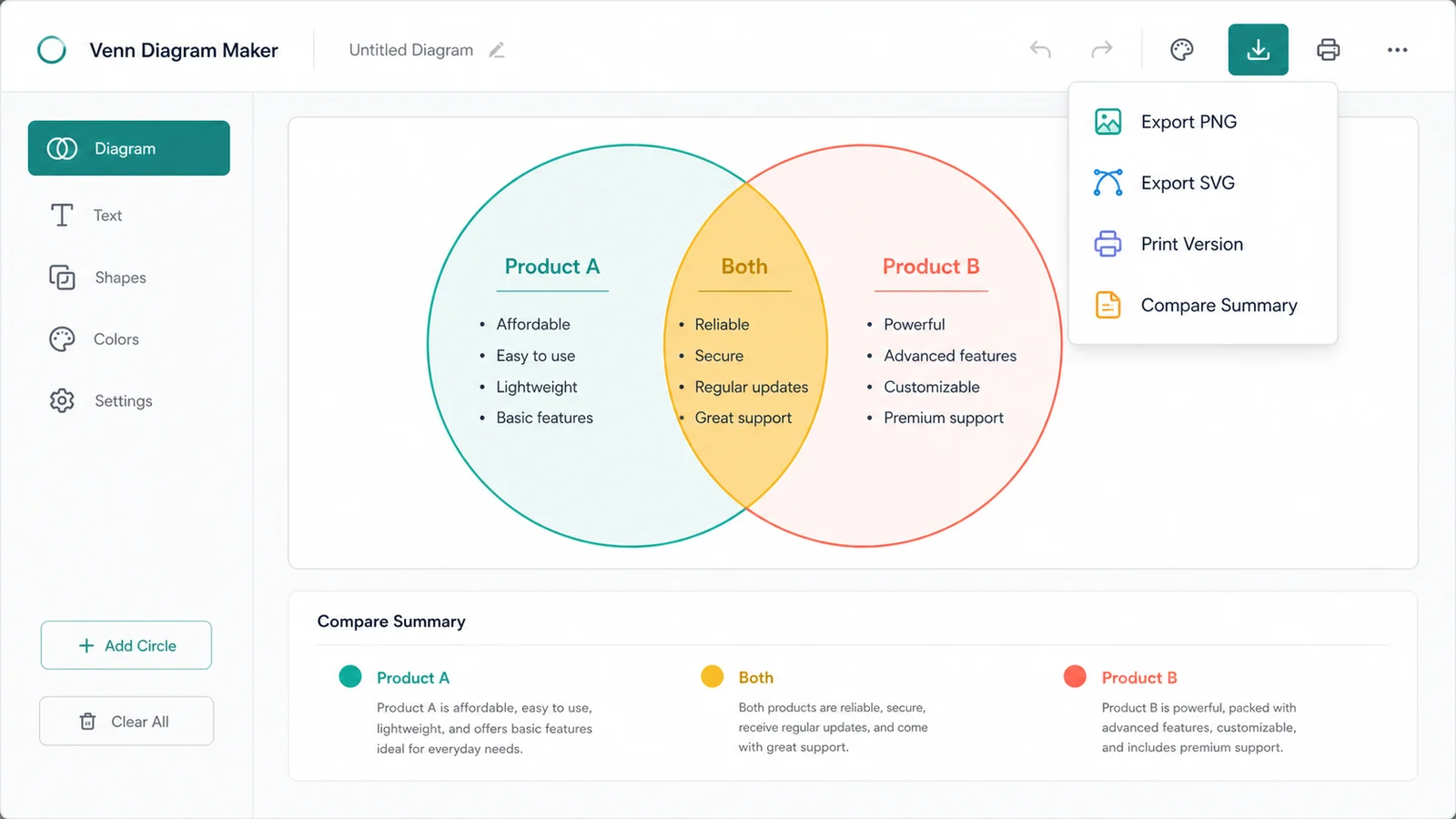
Download the Venn Diagram Maker canvas as PNG for slides, SVG for crisp design work, or open a printable Venn diagram. Copy the comparison summary for essays, lesson notes, planning docs, or product briefs.
A Venn Diagram Maker is useful when the same visual pattern can cover similarities, differences, and overlaps across classroom, writing, product, and business contexts.
Students can use the Venn Diagram Maker to compare characters, historical periods, science concepts, books, or vocabulary before writing an answer.
Use the Venn Diagram Maker to outline compare and contrast essays by separating unique points from shared arguments before drafting paragraphs.
Turn prepared product notes into a Product Comparison Venn Diagram without pulling live specs, prices, rankings, or product database data.
Use the Venn Diagram Maker as a Concept Comparison Diagram for theories, methods, categories, frameworks, ideas, or definitions.
Use the Venn Diagram Maker to visualize similarities and differences from research you already trust, without automated competitor data comparison.
Use the Venn Diagram Maker to compare options, people, choices, advantages, disadvantages, and tradeoffs in a balanced visual format.
The Venn Diagram Maker is a local visual comparison tool. It helps organize your points, but it does not search the web or decide whether a point is factually correct.
Use two circles for a direct comparison and three circles when you need pairwise overlaps plus an all-three shared center. Keep each topic label short so the Venn Diagram Maker remains readable.
Write one point per line. Put unique traits in each topic's difference list, put universal similarities in the shared area, and use pairwise fields for 3 circle diagrams.
Choose classroom, product, concept, or print mono styling. Toggle text lists, counts, and print mode depending on whether the diagram is for homework, slides, notes, or analysis.
Download PNG for presentations, SVG for design workflows, print the Venn diagram, or copy a concise compare summary for writing outlines and planning notes.
For classroom or essay work, copy the summary first, then use the exported diagram as the visual evidence organizer.
Common questions about using a browser-local Venn Diagram Maker for similarities, differences, product comparison, concept comparison, and compare and contrast diagrams.
Yes. The Venn Diagram Maker includes a 2 circle mode for direct comparison and a 3 circle mode for three topics, pairwise overlaps, and an all-three shared area.
They share the same core intent: comparing similarities and differences. This Venn Diagram Maker keeps those use cases together so one page can cover product comparison, concept comparison, classroom work, writing, and analysis.
No. The Venn Diagram Maker does not do automatic fact judgment, online product-parameter lookup, academic answer generation, automated competitor-data comparison, or real-time price comparison. You provide the comparison points.
Your Venn diagram is created locally in your browser. No online data lookup, product database, AI fact checking, account connection, or upload is required for the tool to generate the diagram.
Short line-by-line bullets work best. Use topic fields for names, unique lists for differences, the shared-all field for common points, and pairwise fields when building a 3 circle Venn diagram.
Yes. You can export PNG, SVG, print-ready diagrams, and copied summaries for worksheets, presentations, reports, product notes, planning docs, and internal analysis. The accuracy of the content remains your responsibility.
Open the Venn Diagram Maker, enter two or three topics, and turn your prepared similarities and differences into a clear comparison diagram.
Everything runs locally in your browser, with PNG, SVG, print version, and compare summary export when your Venn diagram is ready.
Free forever. No sign-up, no online lookup, no product database, and no AI fact checking.