Company Structure Charts in the Organizational Chart Maker
Create a company structure chart for leadership, departments, managers, direct reports, and open positions without building an HR system. Build it in the Organizational Chart Maker.
Free Organizational Chart Maker
Your organizational chart is generated locally in your browser. No employee database, HR system, or workspace account connection is required. This Organizational Chart Maker also works as an Org Chart Maker, Company Structure Chart Maker, Team Hierarchy Chart Maker, and Department Chart Maker because the core goal is the same: show who reports to whom.
One Organizational Chart Maker page for companies, project teams, clubs, nonprofits, events, virtual groups, fictional organizations, and every quick Organizational Chart Maker draft.
Enter people, job titles, departments, managers, and notes to generate an organizational chart tree with person cards, role names, department tags, manager relationships, vertical or horizontal layouts, department grouping, vacant role markers, PNG and SVG export, copied JSON, and a print-ready organizational chart. Use the Organizational Chart Maker to review a clear browser-local Organizational Chart Maker preview before sharing a static chart.
This Organizational Chart Maker keeps related search intent together: Org Chart Maker, Company Structure Chart Maker, Team Hierarchy Chart Maker, and Department Chart Maker all describe the same need to show reporting relationships.
Add names, job titles, departments, managers, and notes manually. The Organizational Chart Maker turns the table into person cards connected by reporting lines, so you can sketch a company, team, school club, nonprofit, event crew, virtual group, or fictional organization. Each Organizational Chart Maker draft stays editable in one browser-local table.
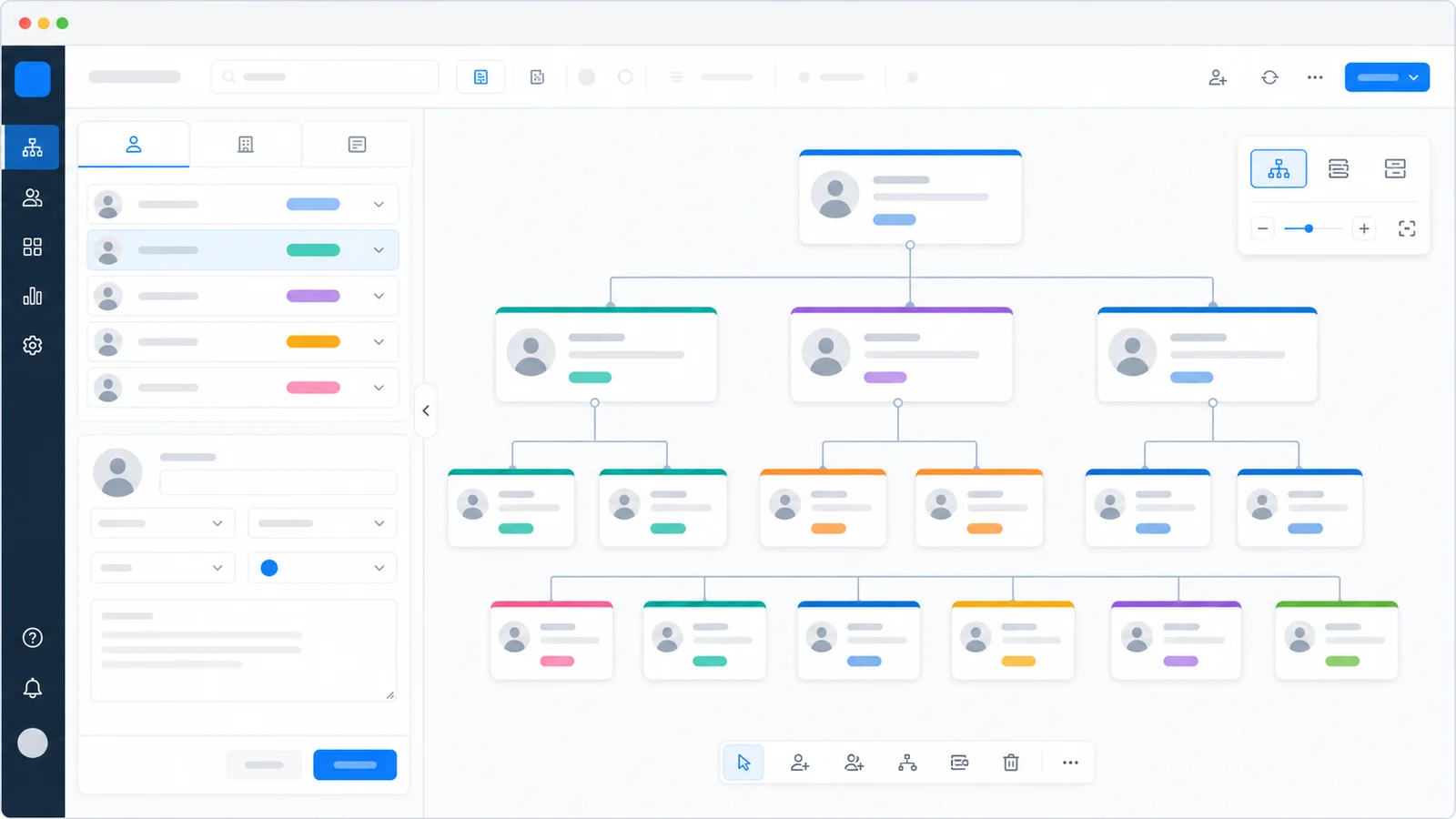
Switch between vertical and horizontal organization chart layouts, group cards by department, show notes, and keep vacant positions visible. This Organizational Chart Maker is designed for static structure diagrams, not employee database administration. Use the Organizational Chart Maker when you need an Organizational Chart Maker diagram rather than an HR workflow.
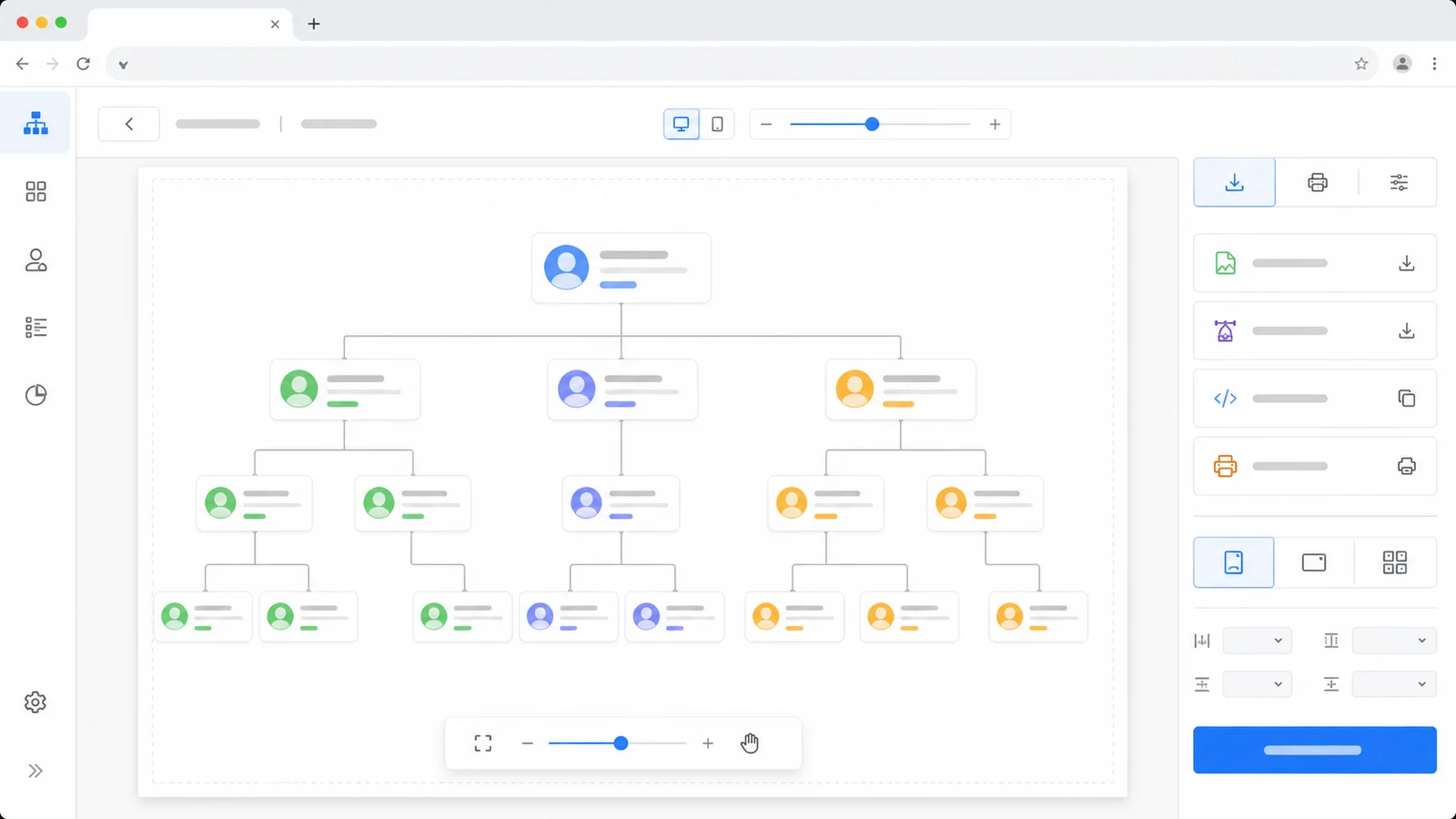
Download PNG for slides, SVG for scalable documents, copy JSON for later edits, or open a print-ready org chart. The Organizational Chart Maker creates browser-local static diagrams without HR system login, workspace sync, or third-party API setup. The Organizational Chart Maker export flow keeps each result portable.
Use one Organizational Chart Maker for the shared intent behind org charts, company structure charts, team hierarchy charts, and department charts: explain how people or roles connect. The Organizational Chart Maker keeps the full structure-mapping workflow on one page.
Create a company structure chart for leadership, departments, managers, direct reports, and open positions without building an HR system. Build it in the Organizational Chart Maker.
Map project sponsors, team leads, owners, contributors, contractors, and vacant roles in a compact team hierarchy chart. Build it in the Organizational Chart Maker.
Group people by department labels, compare branches, and make reporting lines easier to scan in the Organizational Chart Maker. Build it in the Organizational Chart Maker.
Show officers, committees, volunteer leads, members, advisors, and vacant club roles for student groups or campus organizations. Build it in the Organizational Chart Maker.
Plan nonprofit boards, activity teams, event crews, campaign groups, and volunteer structures before sharing a static org chart. Build it in the Organizational Chart Maker.
Design imaginary institutions, guilds, space crews, councils, or virtual organizations for writing, games, and worldbuilding. Build it in the Organizational Chart Maker.
This Organizational Chart Maker is intentionally manual and browser-local, so you can make a clear org chart without accounts, integrations, or sensitive employee systems. The Organizational Chart Maker keeps your structure data manual and local.
List each person or vacant role with a name, title, department, manager, and optional note. The manager name should match another person name so the Organizational Chart Maker can connect the relationship. The Organizational Chart Maker keeps this step focused on static chart creation.
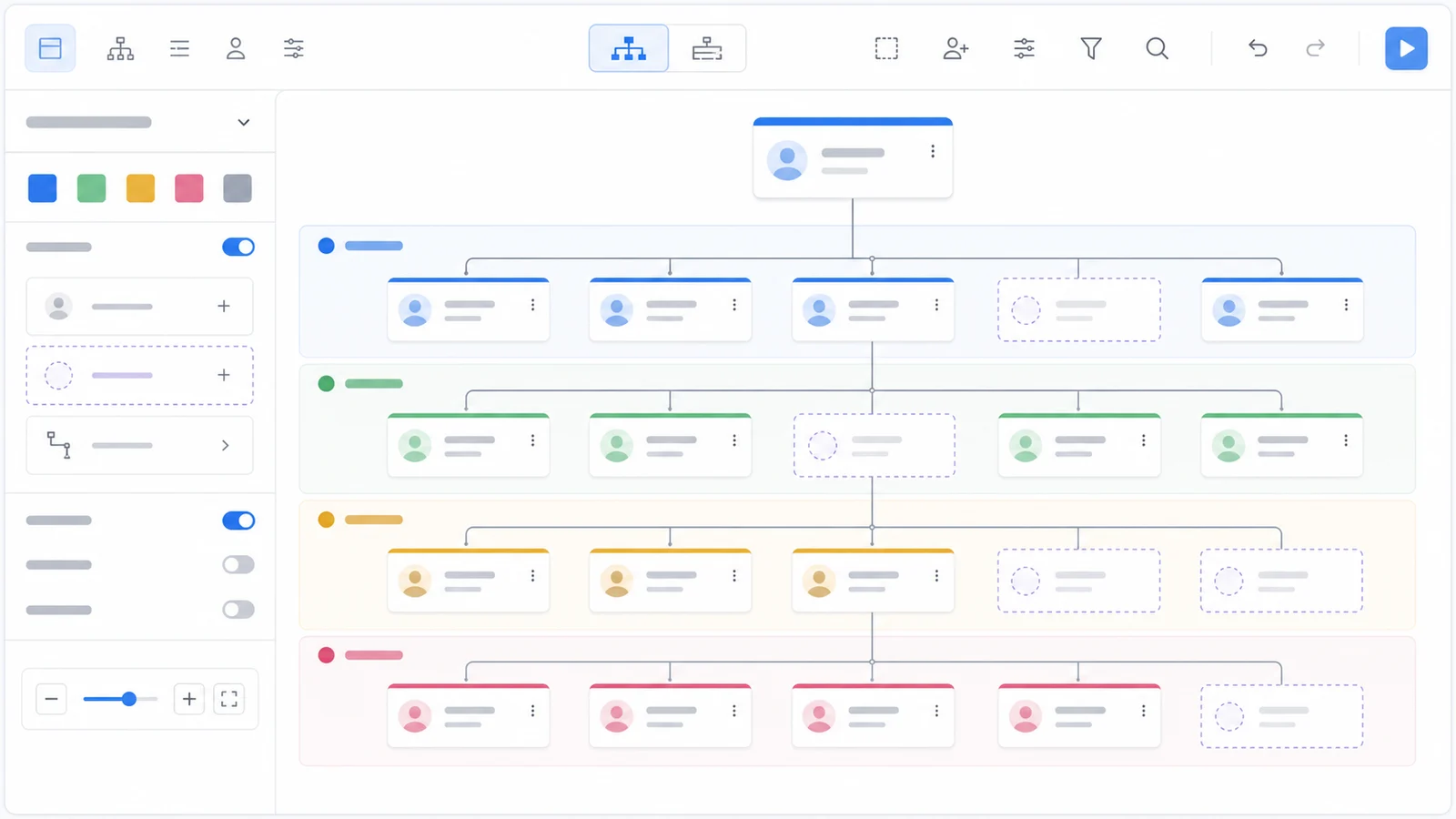
Use vertical layout for classic top-down organization charts, or horizontal layout for wide team maps. Department grouping adds soft bands around people in the same department. The Organizational Chart Maker keeps this layout step focused on static chart creation.
Export PNG for slides, SVG for crisp documents, copy JSON for reuse, or print a static organization chart. The Organizational Chart Maker does not sync with HR tools or workspace accounts. The Organizational Chart Maker keeps this export step focused on static chart creation.
For sensitive company drafts, keep the browser-local JSON only where your team is allowed to store it.
Practical answers about input format, privacy, exports, limitations, and when this Organizational Chart Maker is the right tool.
Yes. Organizational Chart Maker, Org Chart Maker, Company Structure Chart Maker, Team Hierarchy Chart Maker, and Department Chart Maker all point to the same core task: show people or roles and their reporting relationships. This page combines those needs instead of splitting them into separate tools. This Organizational Chart Maker is meant for static structure diagrams.
You can edit people with form fields or paste a table with columns for Name, Title, Department, Manager, Notes, and Vacant. The manager value should match another person name. Empty manager means that person appears at the top level. This Organizational Chart Maker is meant for static structure diagrams.
No. Your organizational chart is generated locally in your browser. No employee database, HR system, company directory, Google Workspace, Microsoft 365, Slack, or workspace account connection is required. This Organizational Chart Maker is meant for static structure diagrams.
Yes. Use the vacant role toggle or put Yes in the Vacant column. The Organizational Chart Maker keeps open positions visible with a dashed card style, which is useful for hiring plans, event staffing, or fictional structures. This Organizational Chart Maker is meant for static structure diagrams.
Yes. You can download PNG, download SVG, copy JSON, or open a print-ready organizational chart. SVG is best for scalable documents, PNG is convenient for slides, and JSON helps you continue editing later. This Organizational Chart Maker is meant for static structure diagrams.
It does not provide an HR system, employee database, company directory import, permission management, salary data management, or automatic sync with Google Workspace, Microsoft 365, Slack, or other third-party APIs. Those workflows require backends, account authorization, enterprise data handling, or external services, so they are outside a pure frontend tool. This Organizational Chart Maker is meant for static structure diagrams.
Use the Organizational Chart Maker to turn manually entered names, titles, departments, managers, notes, and vacant roles into a clear organization chart. The Organizational Chart Maker keeps the workflow simple.
Everything runs locally in your browser, with PNG, SVG, JSON, and print options for static sharing.
No sign-up, HR system, employee database, workspace connection, or Organizational Chart Maker account required.