Business Process Flow Charts
Map out approval workflows, onboarding sequences, and operational procedures with the free flow chart maker. Standardize how your team documents processes.
Free Flow Chart Maker
Our free flow chart maker lets you build professional process diagrams, decision trees, and workflow visualizations right in your browser. Drag shapes, draw connections, and export your flow chart — no sign-up needed.
Used for business processes, school projects, software design, and more.
Drag shapes from the panel, connect them with arrows, and build your flow chart. Save editable JSON or export clean PNG and SVG files.
Our free flow chart maker is built for speed, simplicity, and privacy. Here is what makes it stand out.
Building a flow chart should feel natural. Our free flow chart maker gives you a visual canvas where you drag process boxes, decision diamonds, and start/end ovals into place, then connect them with arrows. No complicated menus — just point, click, and create.
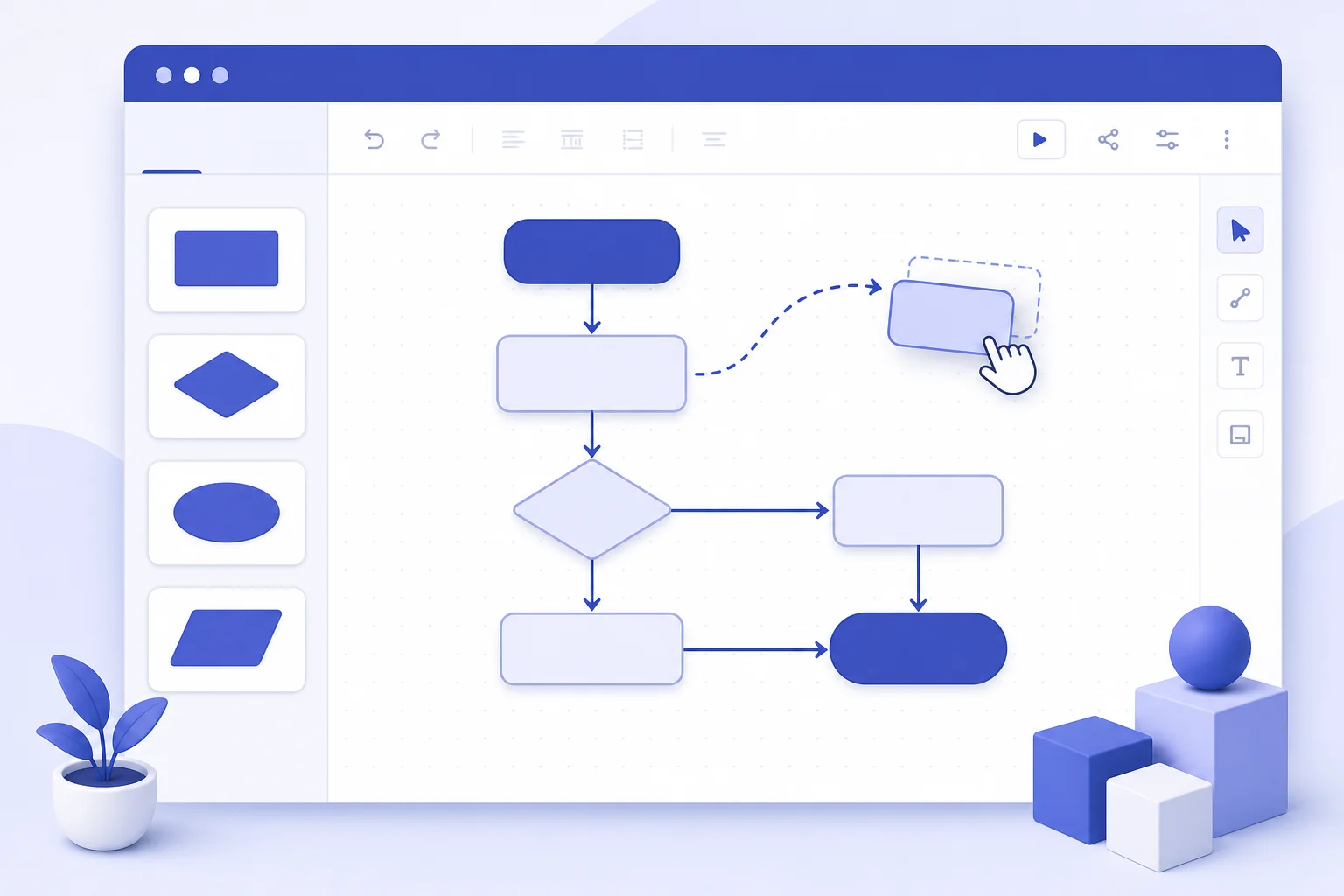
The free flow chart maker includes the core flowchart symbols teams actually use: process rectangles, decision diamonds, start and end pills, data parallelograms, document blocks, database cylinders, manual input shapes, and subprocess containers.

When your diagram is complete, save an editable JSON file or export it as a high-resolution PNG for presentations and a scalable SVG for print and web. The free flow chart maker produces clean exports with no watermarks and no limits.
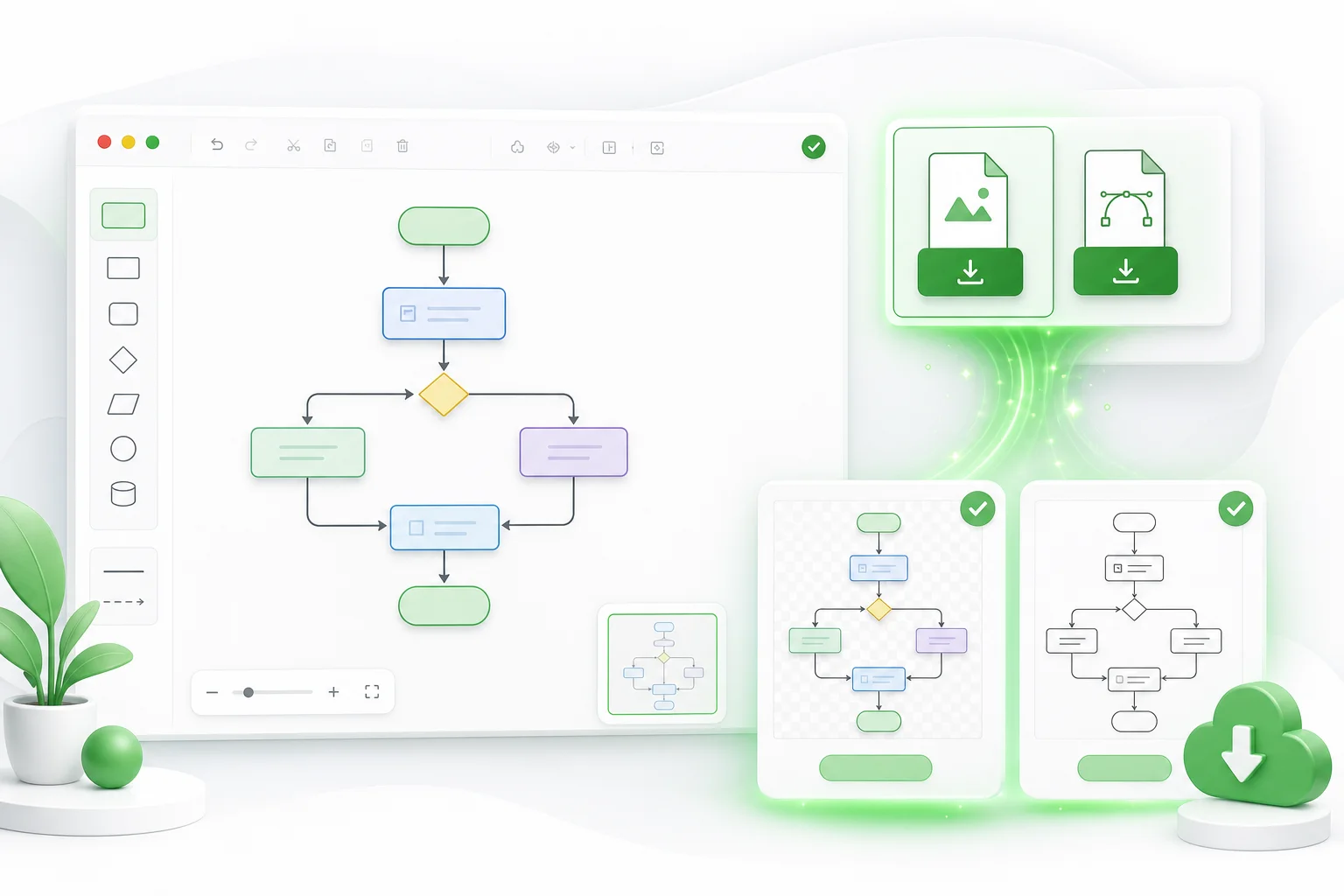
Our free flow chart maker handles every common flow chart use case — from simple processes to multi-branch decision logic.
Map out approval workflows, onboarding sequences, and operational procedures with the free flow chart maker. Standardize how your team documents processes.
Visualize if-then logic and branching outcomes. The free flow chart maker makes it easy to add decision diamonds and route different paths.
Sketch out algorithm logic, API request flows, or user interaction sequences. Developers use the free flow chart maker to plan before they code.
Teachers and students use the free flow chart maker to illustrate scientific processes, historical timelines, and step-by-step problem solving.
Map every touchpoint from first contact to conversion. The free flow chart maker helps marketing teams visualize and optimize the customer journey.
Coordinate team tasks and handoffs with clear process diagrams. Build project workflows in the free flow chart maker and share them with stakeholders.
Follow these three simple steps to build and export a professional flow chart in minutes.
Open the flow chart maker above and drag shapes from the left panel onto the canvas. Use rectangles for process steps, diamonds for decisions, ovals for start and end points.
Click a shape's output port and drag to another shape to create a connection. The free flow chart maker draws smooth arrows automatically. Rearrange shapes and the connections follow.
Use Export JSON when you want to edit the flow chart later. Use Export PNG for slides and documents, or Export SVG for websites and high-resolution printing.
JSON is the editable project file. PNG and SVG are the presentation-ready outputs.
Answers to the most common questions about our free flow chart maker.
Yes. The flow chart maker on ChartMakerBox is 100% free with no watermarks, no account requirements, and no usage limits.
The free flow chart maker includes process, decision, start/end, data, document, database, manual input, and subprocess symbols. These cover the most common conventions used in professional flowchart diagramming.
Yes. The editor autosaves in your browser, and you can export an editable JSON file. Import that JSON file later to continue editing the same flow chart.
The flow chart maker works best on screens 768px or wider. You can use it on a tablet in landscape mode. For phones, we recommend using a desktop or laptop for the best experience.
Absolutely. Charts exported from the free flow chart maker are yours to use in any context — business presentations, academic papers, websites, reports, or social media. No attribution is required.
Yes. The free flow chart maker runs entirely in your browser. No data is sent to our servers. Your flow chart content stays on your device at all times.
Open the free flow chart maker above, drag your shapes, and export a professional diagram in minutes.
No sign-up, no cost — just a clean, fast flow chart maker that works.
100% free. No account required. Your data never leaves your browser.